News
THE SKYRIM MOD IS OUT. THE BETA IS OPEN.
Staminabar for Skyrim: Special Edition is now on Nexus Mods, and the iPhone app is in open beta on TestFlight. Here is how to start playing.
Two things went live
Staminabar for Skyrim: Special Edition is now available on Nexus Mods. And Apple has approved the Staminabar iPhone app for open beta on TestFlight, so anyone with an iPhone can join.
That means the full loop works today. Your health data goes in on your phone, nine scores come out, and your character in Skyrim feels the difference.
What it does in game
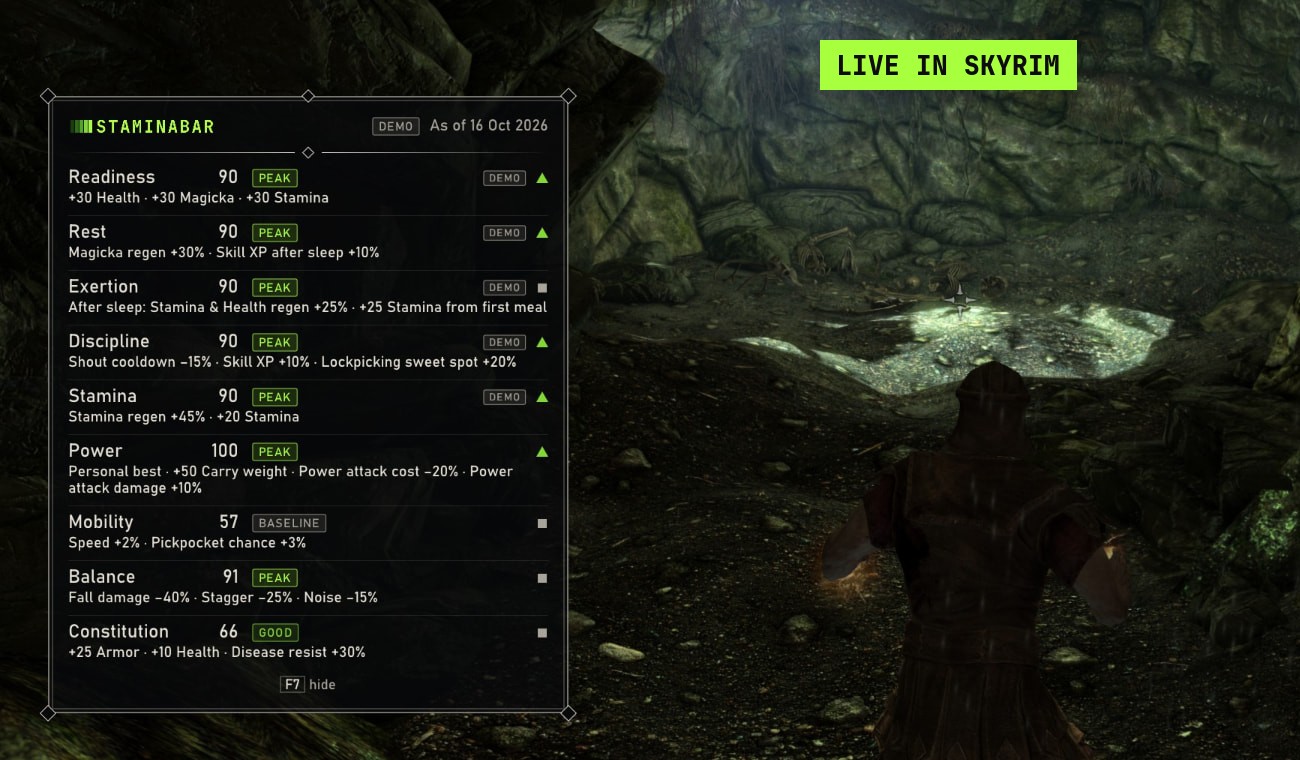
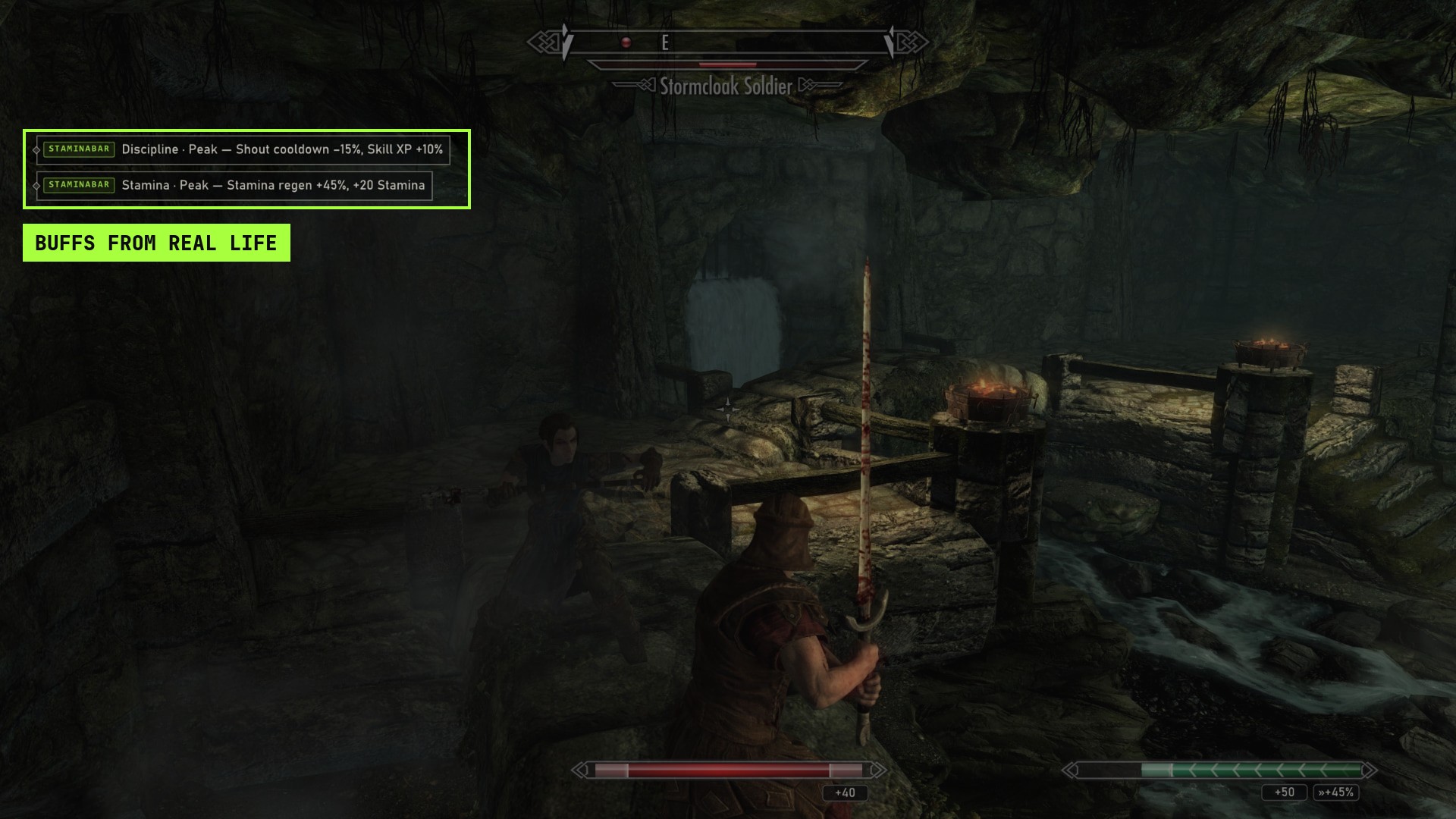
Each of the nine attributes, from readiness and rest to power and constitution, maps to effects in Skyrim. A strong week of strength training raises how much you can carry. A good night of sleep means more magicka regen and a skill XP bonus. Short notices in the corner of the screen tell you which real-life score is behind each buff.
Bonuses are on by default. Hardcore mode is optional and off unless you turn it on. When it is on, low scores apply a mild penalty, never more than 15%.
How to start
1. Join the open beta and we will email you the TestFlight link. 2. Install TestFlight from the App Store, then install Staminabar. 3. Download the mod from Nexus Mods. 4. Start Skyrim, scan the QR code with the app, and tap Allow.
Games only ever see your nine scores. They never see your heart rate, your sleep times or who you are. You can remove a game's access at any time.
What's next
Minecraft and Fallout 4 mods are in progress. There is no Android app yet. Android players can still sign up and we will email you when it is ready.
Scores are game attributes, not health advice. Staminabar is not a medical product.
Media contact: press@staminabar.io